
Pet worlds
What to look for in a virtual pet app
A simple checklist for care routines, sharing, privacy, accessibility, and a game that fits your day.
Choose the routine before the creature
A virtual pet app gives you a digital companion to interact with. Depending on the game, that might mean feeding, playing, decorating a home, or collecting moments. The best fit for you depends on the routine you want, rather than how cute a screenshot looks.
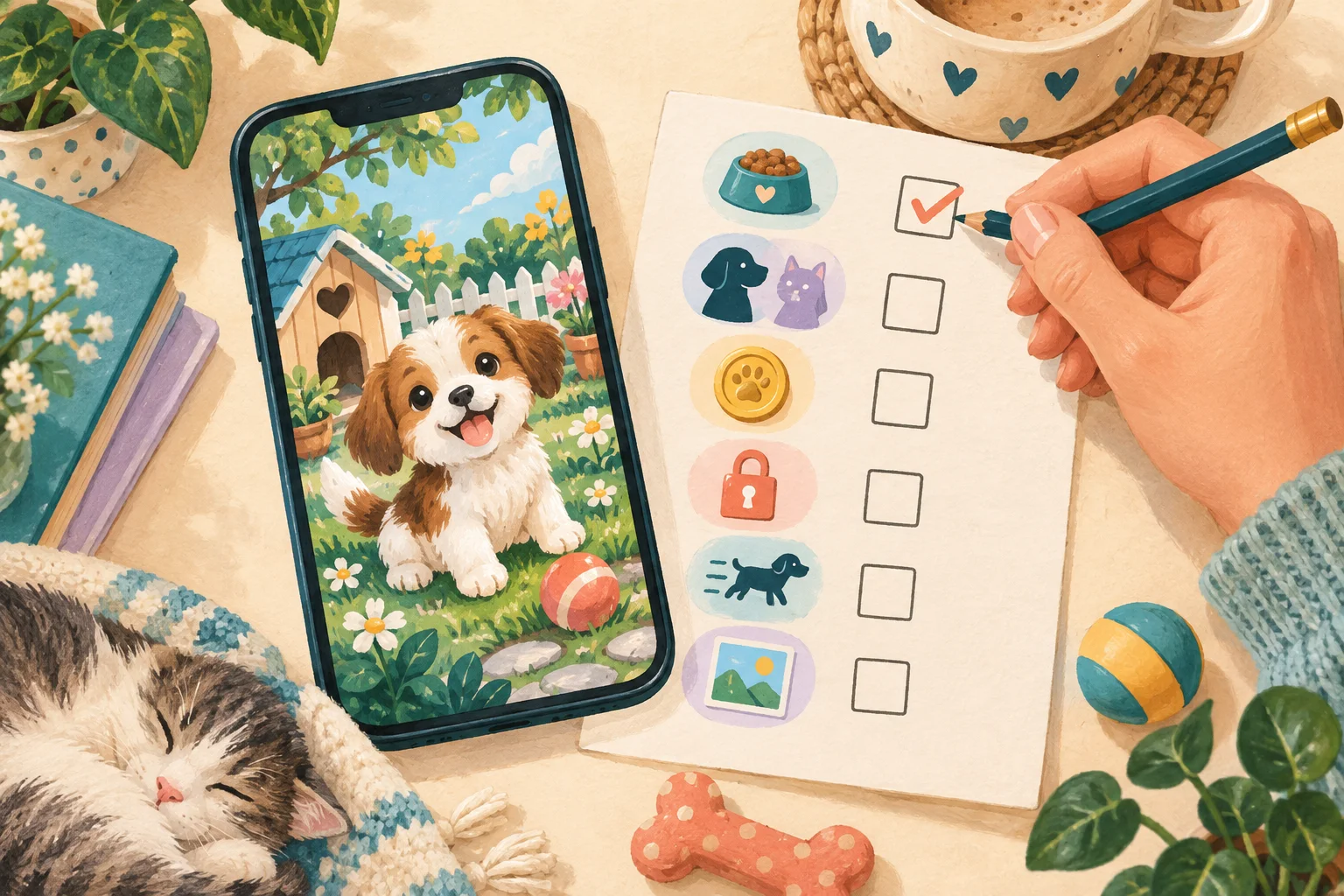
Start with a concrete question: do you want a short check-in, an open-ended world to explore, or something you can share with another person? This guide is a checklist for evaluating an app. It is not a ranking or a review of apps we have not tested.
1. Understand what care asks of you
Look for an explanation of the basic care loop. How often does the pet need attention? What happens when you miss a day? Can you pause or reduce reminders? A five-minute routine and a game with frequent timers suit different schedules.
If you cannot find these answers on the product page, look for a help centre or try a limited session before committing. Do not assume that every pet game handles absence in the same way. Decide what level of responsibility feels enjoyable for you.
2. Check what “shared” actually means
Some products use sharing to mean sending a picture. Others let two people manage the same pet. Those are different experiences. If shared care matters to you, check whether each person needs an account, whether care changes sync between devices, and who can join or leave.
Ask how conflicts are handled: can both people feed the pet at once, and will you see what the other person did? Check whether collaboration requires a subscription. A screenshot with two names is not enough to establish that remote care is available.
3. Read the cost details
Check the store listing and the app’s own pricing information for subscriptions, in-app purchases, and renewal terms. Separate optional decorations from features you consider essential. Decide on a spending limit before you start browsing cosmetic items.
If a trial is offered, note when it ends and how cancellation works. Avoid treating “free to download” as a promise that every feature is free. Prices and store policies can change, so check the listing at the time you install.
4. Look at privacy before connecting accounts
Google Play’s Data safety section and Apple’s App Privacy section offer information about an app’s data practices. Use them as a starting point, then read the developer’s privacy policy for account data, photos, sharing, and deletion. The linked official guides explain where to find these details.
Ask whether a captured memory stays on your device or is uploaded, whether a shared household exposes your email, and how you can remove access. If the answers are unclear, wait before uploading anything personal. Store disclosures are useful information, not a substitute for deciding what you are comfortable sharing.
5. Check controls that make longer visits comfortable
Look for readable text, clear buttons, adjustable sound, and reduced-motion options. A visually busy app can feel different after twenty minutes than it does in a short trailer. If possible, explore both a care screen and a quieter area.
Try the experience with sound off and without relying on colour alone. Check whether important feedback remains visible in text or icons. If you have a specific access need, look for an explicit support statement rather than guessing from screenshots.
6. Find out what survives a device change
Local saves and account-backed saves have different limits. Check whether your progress can move to a new device, whether reinstalling affects it, and whether a backup is available. If you plan to share, ask what happens when one person leaves the household.
For memories you want to keep, confirm whether there is a usable export option. Do not assume that a share button includes a full backup of your pet, care history, or saved pictures.
A five-question shortlist
Before installing, write down your answers: What does a normal visit involve? What happens when I am away? Which sharing features work today? What will I pay for? How do I control or remove my data? If an app answers those clearly and its routine suits you, it is worth a closer look.
Little Together is our upcoming virtual pet world, built around care, a home, a garden, and memories you intentionally save. A shared household is part of the plan. The current prototype uses local saves and simulated partner perspectives; remote sync, invitations, and production account services are still being built. Downloads and play access are coming soon.
A little more to explore
Pet worldsPet worlds · 18 Oct 2026
Turn a virtual pet visit into a seven-scene story
A player-focused guide to building a small beginning, choice, and ending from ordinary virtual-pet actions without inventing game features.
A little read ↗Pet worldsPet worlds · 17 Oct 2026
Build a virtual pet care routine that can miss a day
A practical guide to choosing short, flexible virtual-pet visits with clear care results, optional reminders, and no invented urgency.
A little read ↗