
Pet worlds
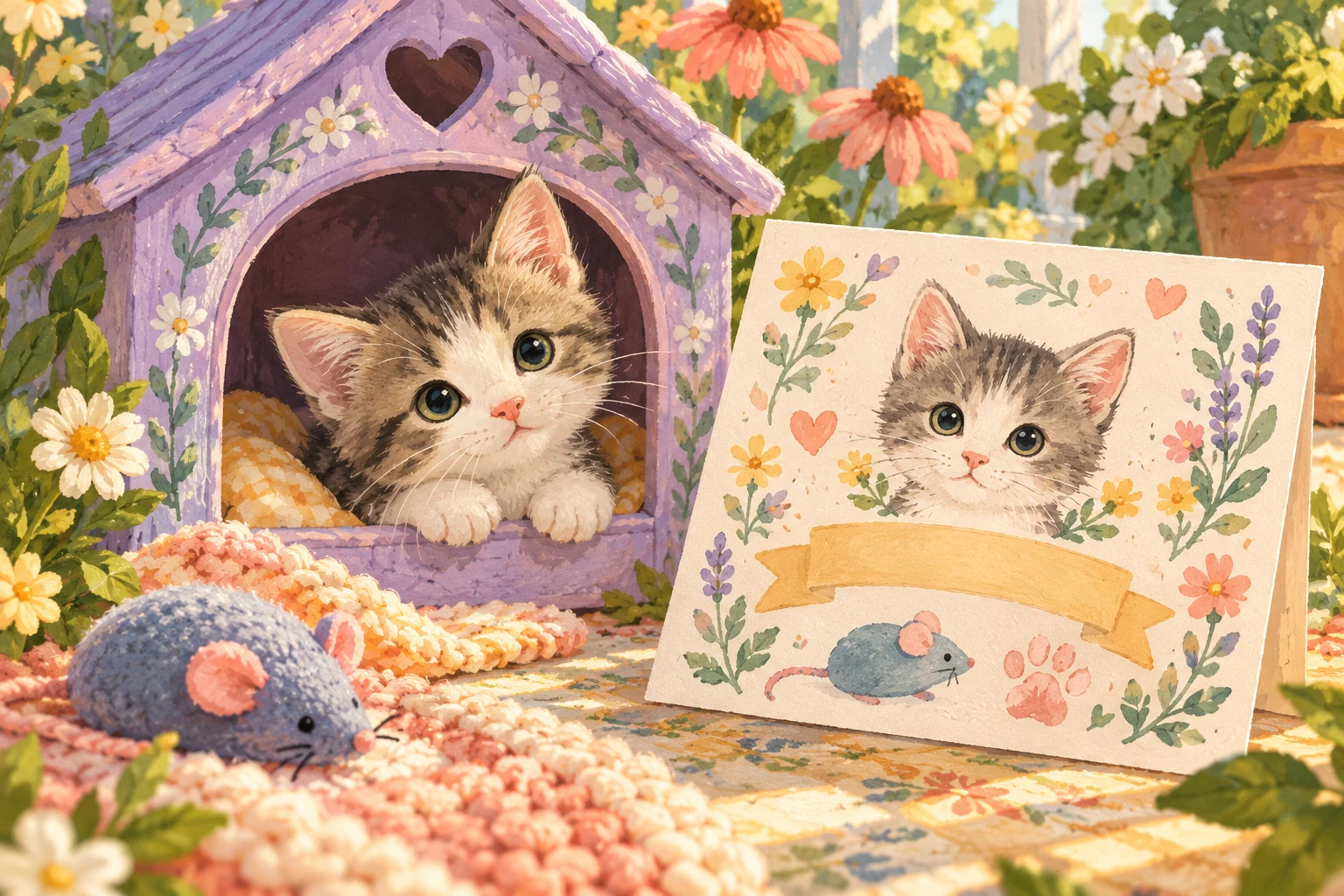
Make a clear welcome card for a virtual pet
A first-day guide to recording a fictional pet’s name, home, care loop, sharing boundaries, and one intentional memory.
Start by naming what “adoption” means
Virtual pet adoption means creating, choosing, or welcoming a fictional digital companion inside a game or app. It is not real-animal adoption, a legal record, a rescue donation, or proof of ownership outside the product.
Before you begin, read the action label and nearby explanation. “Create pet,” “choose companion,” “claim,” and “adopt” may lead to different account, save, or purchase behavior. If the screen is unclear, do not assume that a decorative certificate explains the actual terms.
Use a welcome card, not official-looking paperwork
Make a simple card in a note or on paper with this heading: “Fictional virtual pet welcome card.” Add the game name and today’s date. Avoid seals, signatures, government-style numbers, rescue names, or language that could be mistaken for a real certificate.
The card is a player-made memory. It does not replace the product’s account page, receipt, privacy notice, support record, or save data. Keep those separate if the product provides them.
Label every field clearly
Use visible labels for Pet name, Companion role, Home, First care action, Favorite object, Shared with, Save location, and First memory. Add “optional” beside anything you do not need to decide on day one.
W3C guidance for forms says inputs should have labels or instructions so people know what information is expected. That accessibility principle is useful even for a paper card: a clear label is easier to revisit than an unexplained blank line or icon.
Choose a companion role before a full personality
Write one short role such as garden explorer, quiet housemate, cheerful host, tiny collector, or keeper of small memories. The role gives your first few visits a direction without deciding every trait in advance.
Leave personality space open. A virtual pet can gain meaning through the choices and stories you make later. Do not copy a real person’s private details into the profile without their permission.
Record the name and the game’s actual rules
Add the pet’s chosen name, then note whether the game currently allows renaming, which characters it accepts, and where the name is displayed. If you cannot verify those rules, write “not checked” rather than guessing.
The name field should not include an email address, phone number, home address, school, workplace, password hint, or other identifying information. A fictional nickname is enough.
Describe the starting home in three facts
Write three things the screen genuinely shows: the room or area name, one available object, and one route or button. Example: “Home; blue cushion; garden door.” These facts become a baseline for later memories.
Keep imagined details separate in a line labeled “Our version.” You might write, “The cushion is beside a pretend reading nook.” This prevents your welcome card from turning a story idea into a false claim about the game.
Complete one care loop
Choose one care action the game already supports. Read the status, take the action once, and record the visible result. A complete line could be: “Status: ready to play. Action: ball. Result: play completed.”
Do not repeat actions to manufacture a perfect first day. If the result is unclear, record that uncertainty. The welcome card should describe what happened, not what the animation seemed to imply.
Choose a favorite object provisionally
Pick one visible object as the pet’s first favorite: a cushion, ball, brush, plant pot, lamp, or garden marker. Add the reason in five words or fewer, such as “always near the window.”
Mark the choice “for now.” It is a storytelling prompt, not a permanent game statistic unless the product explicitly supports favorites. You can change it after a later visit.
Define sharing before adding another name
If another person will be involved, write what sharing actually means today: looking at the card, exchanging screenshots, taking turns on one device, or using a real shared-care feature. Those are different arrangements.
Ask permission before adding the other person’s name or messages. If the product does not yet have accounts, invitations, permissions, and synchronized state, do not label the pet remotely shared.
Write down where progress lives
Record whether progress is local to one browser or device, tied to an account, backed up, or unknown. Also note what the product says about moving to a new device, reinstalling, deleting data, or leaving a shared household.
A welcome card is not a backup. If the answers are missing, keep the card free of personal uploads and treat the pet state as something that may not transfer. Product support information should take priority over assumptions.
Save one first-day memory
Give the first visit a small title such as “The Blue Cushion,” “First Trip to the Garden,” or “Ball Before Bed.” Add one sentence naming the action or choice you want to remember.
Store the memory only where you intend. A private note is enough. Before posting a screenshot, check what names, messages, account details, or notifications are visible and ask anyone represented for permission.
Revisit the card after three visits
After three visits, compare the welcome card with the current experience. Update the provisional favorite, add one discovered route, and correct anything you marked unknown. Keep the original date so the card still records a beginning.
If the routine, consequences, sharing model, or costs do not fit what you expected, you can stop. A decorative adoption moment should not obligate you to continue using a product.
What this means for Little Together
Little Together is in development around a local prototype with feeding, play, grooming, rest, a home, a garden, and memories people intentionally save. A welcome card fits that direction, but this article does not announce a finished adoption flow, certificate, rename policy, species list, or account system.
Partner perspectives are currently simulated. Remote care, accounts, and invitations are planned. App, download, and play links remain coming soon, with no announced release date or price. There is no live Little Together pet available to adopt today.
A little more to explore
 Pet worlds
Pet worlds · 20 Oct 2026
Run a virtual pet costume showcase without voting
A digital-only costume guide with three design rounds, readable labels, fair reveals, and no popularity ranking.
A little read ↗ Pet worlds
Pet worlds · 18 Oct 2026
Turn a virtual pet visit into a seven-scene story
A player-focused guide to building a small beginning, choice, and ending from ordinary virtual-pet actions without inventing game features.
A little read ↗