
Pet worlds
Run a virtual pet costume showcase without voting
A digital-only costume guide with three design rounds, readable labels, fair reveals, and no popularity ranking.
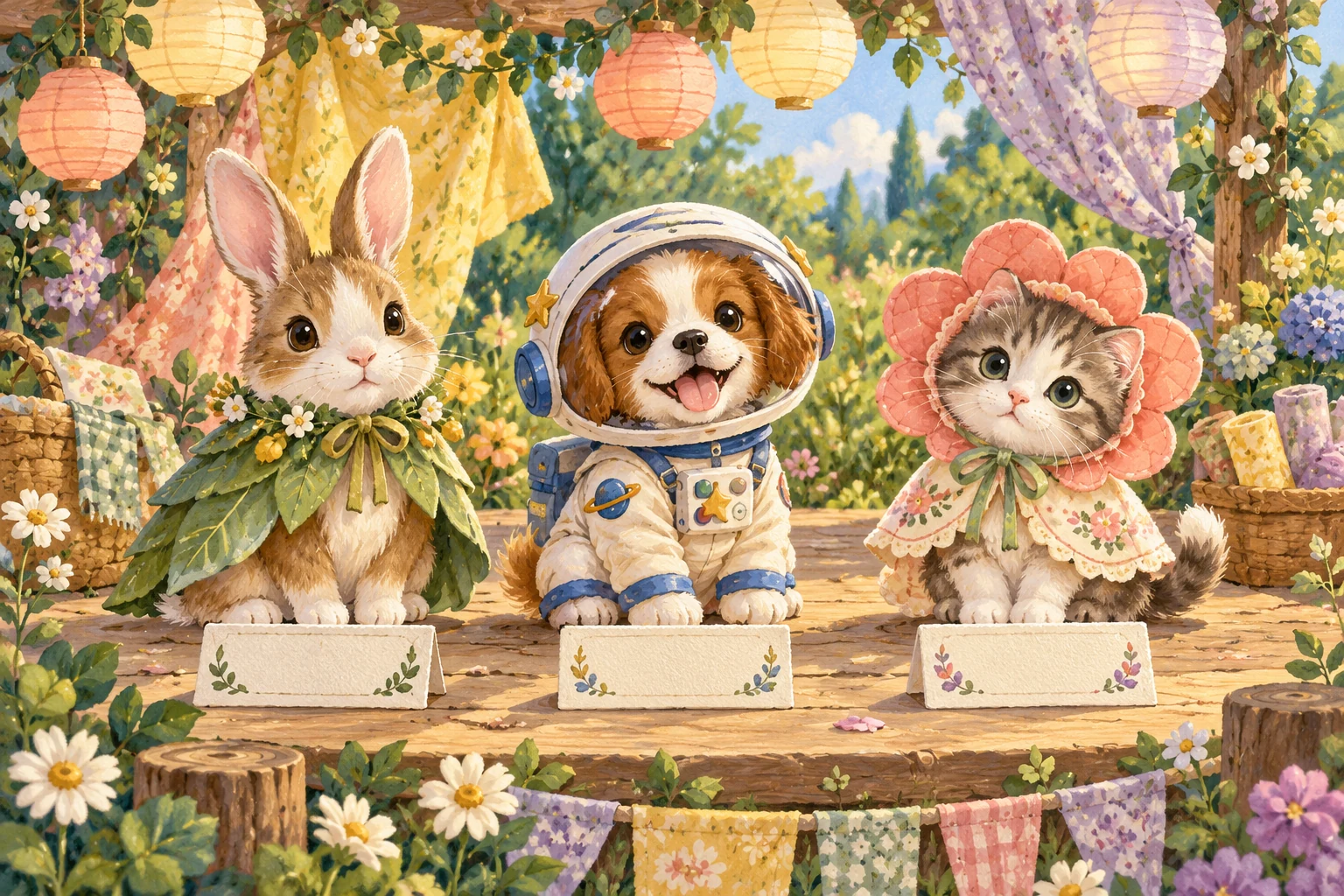
Make it a digital-only costume activity
This virtual pet costume contest is for a fictional pet avatar, drawing, paper mockup, or character description. It is not guidance for dressing a real animal. Nobody needs a released game or a wardrobe feature: you can make the entire showcase with a notes app and a simple sketch.
Use “showcase” as the event name even if “contest” is the search that brought you here. A showcase keeps the useful parts of a costume contest—constraints, surprise, and a reveal—without asking a popularity vote to decide whose idea mattered most.
Set up a 30-minute format
Gather a timer, something to draw or type with, and any existing image of the virtual pet you are allowed to use. Divide the session into five minutes for the brief, fifteen minutes to design, and ten minutes to reveal and name details.
One person can do the activity solo as a character-design exercise. Two people can design for the same virtual pet or for separate pets. In a group, keep the reveal order visible so everyone receives uninterrupted time.
Choose one of three costume briefs
Brief one is Weather Keeper: create an outfit for carrying a tiny forecast. Brief two is Tiny Job: dress the virtual pet for a made-up task such as moon librarian, crumb cartographer, or garden bell keeper. Brief three is Borrowed From Home: turn three ordinary household objects into costume shapes.
Pick one brief for the whole showcase so the designs have a shared starting point. If choosing takes too long, assign the brief with the current minute: 0–19 means Weather Keeper, 20–39 means Tiny Job, and 40–59 means Borrowed From Home.
Round one: build the silhouette
Spend five minutes deciding the largest visible shapes. Choose a base shape, one feature above or beside the head, and one feature that changes the outline of the body. Keep the pet’s face or defining mark visible unless hiding it is part of the written story.
Test the idea by shrinking the sketch or looking at it from farther away. If every piece becomes an indistinct cluster, remove one element or exaggerate the most important outline. The aim is a costume that can be recognized before its small details are explained.
Round two: add color, pattern, and labels
Choose two main colors and one accent, then give important parts a pattern or shape as well as a color. The World Wide Web Consortium’s accessibility guidance says color should not be the only visual means used to convey information. That principle is useful here: “the striped pocket” is easier to distinguish than “the green pocket” when color is hard to perceive.
Write labels beside the sketch for any detail the picture cannot carry. Examples include “soft flashing cloud,” “three stitched stars,” or “pocket opens like a map.” A text-only design can use the same rule by naming shape, position, pattern, and function.
Round three: give one object a purpose
Choose one costume element and explain what it does inside the pet’s imaginary world. A wide collar might collect morning light; a paper crown might mark completed garden tasks; a backpack might hold one remembered sound.
Keep the purpose small enough to explain in one sentence. This turns decoration into character design and gives the reveal a story beat without requiring a long biography.
Write a three-line costume card
Every entry gets the same card: Costume title; Three visible materials or textures; One-sentence story. For example: “Pocket Forecast / canvas, raindrop beads, striped paper / It carries tomorrow’s weather but opens only after breakfast.”
Keep the text as actual selectable text when sharing digitally rather than placing all essential words inside the image. W3C guidance on images of text generally favors real text when the visual presentation can be achieved that way, because text can be adapted more readily to a reader’s needs.
Reveal with equal time
Give each designer up to 60 seconds to show the silhouette, name the labeled details, and read the costume card. The listener’s first response is one specific observation, such as “the striped pocket makes the weather idea clear,” rather than a score.
Do not interrupt a reveal with guesses about what the designer should change. After everyone has presented, allow one optional revision round of three minutes. The designer decides whether to use any suggestion.
Replace ranking with descriptive ribbons
Skip first, second, and third place. Instead, create several descriptive ribbons that recognize different decisions: Clearest Theme, Most Surprising Reused Object, Strongest Silhouette, Best Tiny Story, or Detail I Want to Ask About.
Let every designer select one ribbon for their own entry, then invite others to add a different ribbon with a reason. Multiple entries can receive the same label. The purpose is to name what worked, not to manufacture a single winner.
Share only what you intend
Before posting or messaging an entry, crop out account names, private messages, notifications, and any image you do not have permission to share. Check the rules of the platform and the virtual pet artwork you used. When in doubt, share the costume card without the original image.
If the activity happens on a call, a reveal does not need to become a recording or public gallery. Ask before taking screenshots, and treat no response as no permission.
Try a low-energy or solo version
For a low-energy version, skip the drawing and complete only four blanks: base shape, two colors or patterns, useful object, and one-sentence story. Read the result aloud as a 30-second costume reveal.
For a solo version, make three costume cards for one virtual pet using the three briefs, then choose the one that best fits the character’s existing habits. Keep the other two as future prompts rather than unfinished work.
Archive the idea without promising a feature
Save the sketch and costume card together with the date and brief. If you repeat the activity, change the brief or the pet’s tiny job instead of trying to make the next design more elaborate. A small archive can become a record of how the character’s world changes.
Little Together is still in development. Its current prototype explores local care, a home, a garden, and intentional memories; partner perspectives are simulated. Remote care, accounts, and invitations are planned. This guide does not announce costumes, wardrobe tools, contests, or sharing features, and app, download, and play links remain Coming soon.
A little more to explore
 Pet worlds
Pet worlds · 19 Oct 2026
Make a clear welcome card for a virtual pet
A first-day guide to recording a fictional pet’s name, home, care loop, sharing boundaries, and one intentional memory.
A little read ↗ Pet worlds
Pet worlds · 18 Oct 2026
Turn a virtual pet visit into a seven-scene story
A player-focused guide to building a small beginning, choice, and ending from ordinary virtual-pet actions without inventing game features.
A little read ↗