
Pet worlds
Design a virtual pet garden that shows what changed
A readable virtual garden game guide with three plots, named growth states, clear action results, and no urgency loop.
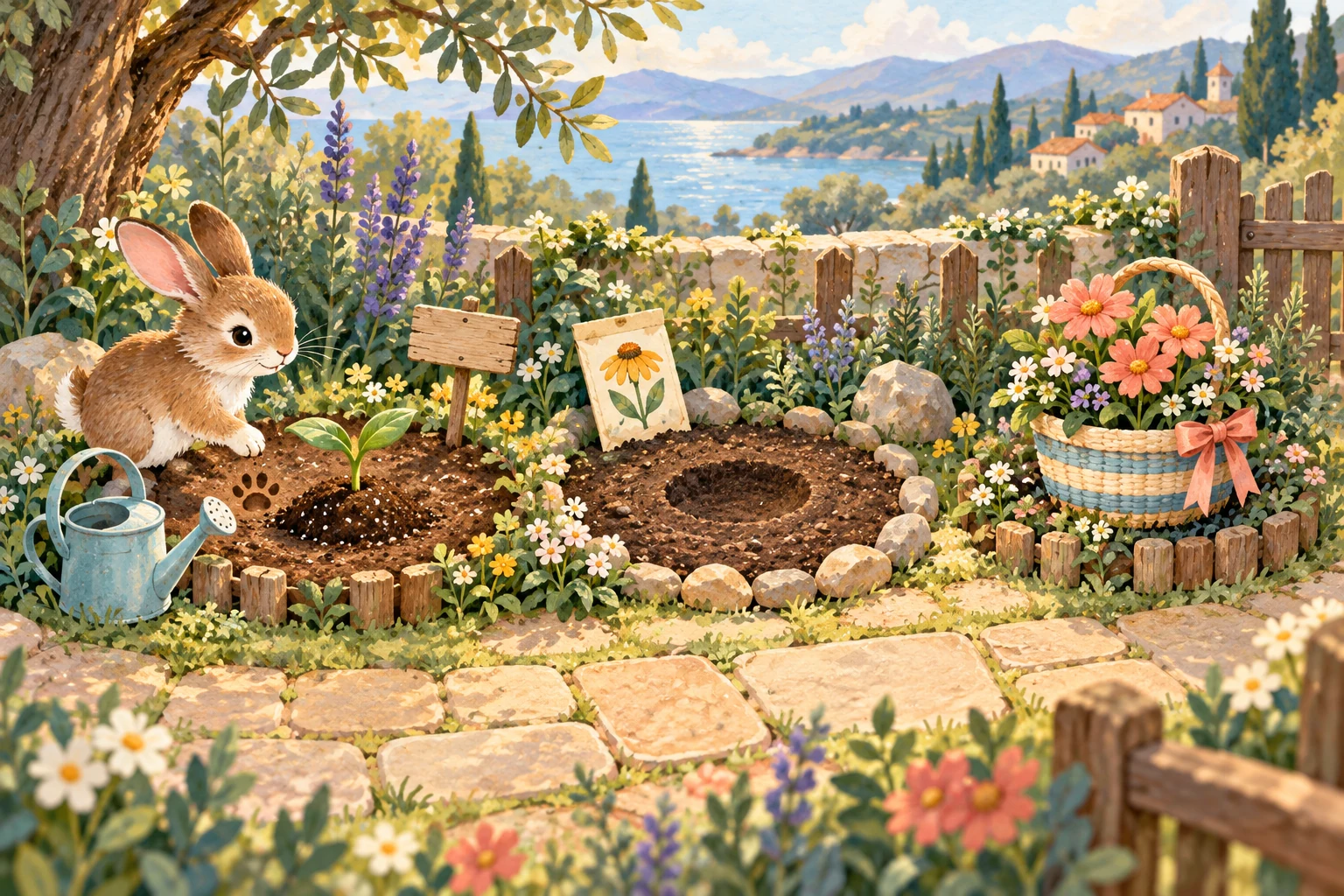
Treat the garden as a readable care space
A virtual garden game can give a pet somewhere to visit, tend, and remember without turning every plant into a countdown. This guide is a paper-design exercise: sketch the garden and its states before assuming any particular game has the features described.
The central test is simple. After one action, a player should be able to answer three questions: What did I do? What changed? What can I choose next?
Draw three plots with different jobs
Divide one page into three plots labeled Today, Next, and Memory. Today holds the one plant or object that can change during the current visit. Next shows a future choice without demanding it. Memory holds one completed item that no longer needs care.
Different jobs keep the garden from becoming a wall of identical meters. A player can see what is active, what is optional, and what has already become part of the pet’s history.
Give every state a name
Choose four plain-language states for the Today plot, such as Empty, Planted, Sprouting, and Ready. Write the current state beside the object instead of asking the picture to carry the entire explanation.
Avoid labels that sound like emergencies when nothing is wrong. “Ready when you visit” describes an available action more accurately than a flashing “Hurry” message in a garden without a real deadline.
Use more than color to show progress
Assign each state a shape or texture as well as a color: an empty circle, a dotted seed mound, two leaf shapes, and a striped harvest basket. The W3C’s guidance on use of color says color should not be the only visual means of conveying information.
Put the state name next to the shape in the sketch. If the design still makes sense when copied in black and white, the status is not depending entirely on hue.
Write one action-result pair
For each active state, write a single available action and its immediate result. For example: Plant becomes Planted; Water becomes Sprouting; Gather becomes Ready in Memory. Keep decorative reactions separate from the state change.
The result should appear in words as well as animation. A sentence such as “Mintbell is now Sprouting” tells the player exactly what the tap accomplished.
Make change understandable without moving focus
When a web interface updates content after an action, W3C guidance says important status messages should be available to assistive technology without unnecessarily moving focus. For a garden, that means a visual change can be paired with a programmatically identifiable message describing the result.
The design note should contain the complete message, not only the changed word. “Today plot: Mintbell is now Sprouting” carries more context than announcing “Sprouting” by itself.
Keep animation optional and finite
A short leaf unfurl or sparkle can celebrate an action, but the player should not need motion to understand the new state. Show the same result through the label, shape, and text message.
W3C’s Pause, Stop, Hide guidance requires controls for certain moving or auto-updating content. A calm design can go further by making garden motion brief, providing a pause or reduced-motion option, and avoiding decorations that move indefinitely beside information.
Remove the urgency loop
Decide in writing what happens when the player does not visit. A gentle option is that the plant remains in its current named state until the next visit. Nothing withers, disappears, or sends repeated warnings.
If time affects the fictional garden, make the rule visible before the player begins and show the exact state on return. Do not use surprise loss as the only way to teach how the system works.
Let the pet add one legible trace
After a care action, give the virtual pet one optional response that does not alter progress: a footprint, a one-line observation, or a moved garden sign. Label it as a pet reaction so it cannot be mistaken for a required task.
Keep the trace until the end of the visit, then let the player save it to Memory or clear it. This gives the pet presence without creating another meter to maintain.
Test the garden with five questions
Cover any explanatory notes and ask: Which plot needs attention now? What action is available? What changed after it? Is the next action optional? What remains if I leave? Revise every answer that depends on guessing a color or remembering an earlier screen.
Then test a no-animation version and a black-and-white version. The same state names, actions, and results should remain understandable even when decoration is removed.
Adapt it for solo or shared imagining
For a solo activity, design one week of visits without dates: repeat the Today loop whenever you choose and move only one finished item into Memory. For two people, take turns proposing the next plant or pet reaction on paper.
Do not describe that turn-taking as live shared care unless the game actually synchronizes people and accounts. A paper exchange or simulated partner perspective can still be useful when it is labeled honestly.
Where this sits in Little Together
Little Together is in development. The current prototype explores local care, a home, a garden, and intentional memories. Partner perspectives are simulated; remote care, accounts, and invitations are planned rather than available.
This article offers a way to evaluate or sketch a readable virtual pet garden. It does not announce growth timers, plant collections, synchronized gardening, or a released game. App, download, and play links remain Coming soon.
A little more to explore
 Pet worlds
Pet worlds · 20 Oct 2026
Run a virtual pet costume showcase without voting
A digital-only costume guide with three design rounds, readable labels, fair reveals, and no popularity ranking.
A little read ↗ Pet worlds
Pet worlds · 19 Oct 2026
Make a clear welcome card for a virtual pet
A first-day guide to recording a fictional pet’s name, home, care loop, sharing boundaries, and one intentional memory.
A little read ↗